
Getting your monthly salaries on a Lulu Exchange card means tracking your remaining funds is a routine task you should handle regularly. Before heading to the nearest ATM, planning an international remittance back home, or simply verifying your employer’s deposit on payday, having a reliable verification method can save you significant time.
This comprehensive guide covers every single step to performing your Lulu Balance Check successfully using the latest methods. We explain each digital and offline option clearly so you can secure all the necessary financial insights in one centralized place without any confusion.
Advertisements
Lulu Salary Card Vs Shopping Gift Card
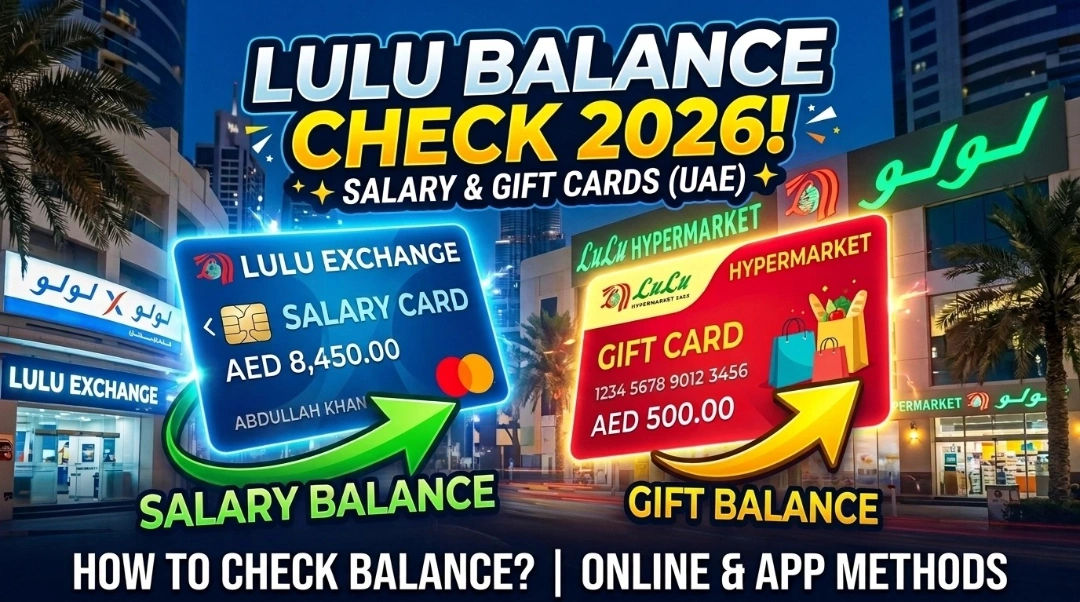
Lulu International Exchange is licensed by the Central Bank of UAE and runs one of the largest payroll systems in the country. Their card, officially called My Pay My Card, is a WPS-compliant prepaid salary card used by over 400,000 employees across more than 30,000 companies in the UAE.
Conversely the shopping gift card acts simply as prepaid store credit exclusively for buying daily groceries. Unlike the retail option the corporate salary account requires strict government compliance so completing your Emirates ID renewal on time remains a necessity to keep it active. Here is a quick breakdown of their exact differences.
| Feature | Lulu Salary Card | Lulu Gift Card |
| Issued By | Lulu International Exchange | Lulu Hypermarket |
| Used For | Monthly salary / WPS payroll | Shopping at Lulu stores |
| ATM Withdrawal | Yes | No |
| SMS Balance Check | Yes (51199) | Not available |
| App Used | Lulu Money App | Lulu Hypermarket App |
| Customer Care | 600 52 2204 | 600 54 00 48 |
| Expiry | No expiry on card | 12 months from activation |
| Can Be Reloaded | Yes | Physical card: No, Prepaid card: Yes |
5 Ways to Check Your Lulu Balance in UAE
There are multiple ways to check your balance depending on whether you have a smartphone, an internet connection, or just need to stop at an ATM. All five methods below are working and verified for 2026.
1. Lulu Money App — The Fastest Method
Download the Lulu Money App from Google Play or the Apple App Store. Once you log in with your registered mobile number, go to “My Cards” or “Lulu Money Cards” from the home screen and tap on your card. Your balance and recent transactions show up instantly.
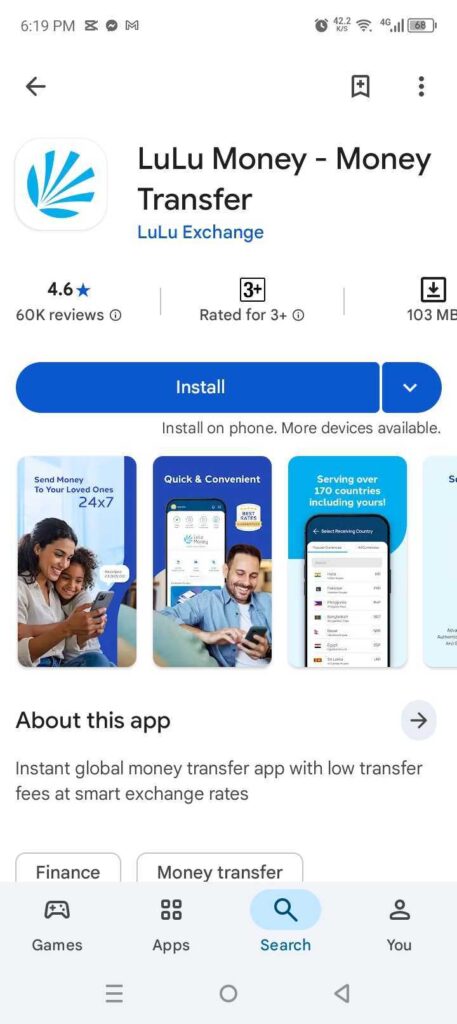
The app also lets you reset your PIN, block your card if it gets lost, set spending limits, and send money internationally. Security runs on PIN, fingerprint, and Face ID so your account stays protected.
2. SMS Balance Check — No Internet Needed
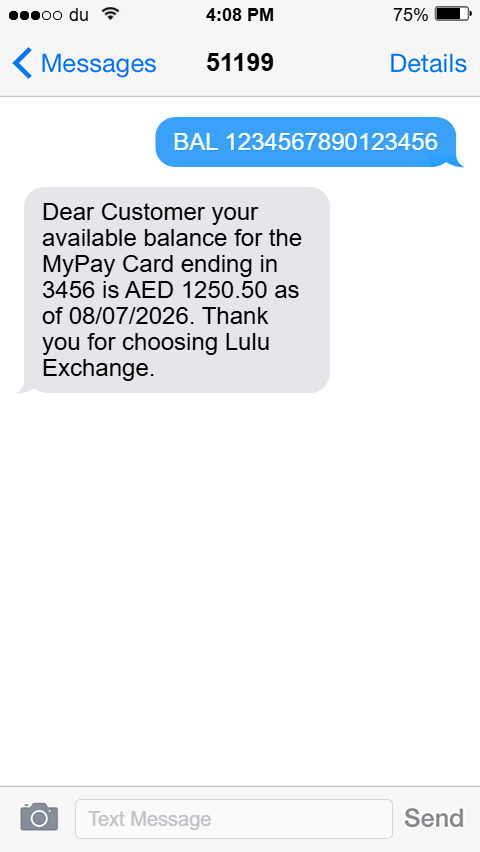
Type ‘BAL’ followed by your 16-digit card number and send it to ‘51199’ (for example, BAL 1234567890123456). You will get an instant reply with your current balance. This works 24/7 anywhere in the UAE and is the easiest option if you do not have a smartphone or internet access.
3. ATM Balance Inquiry
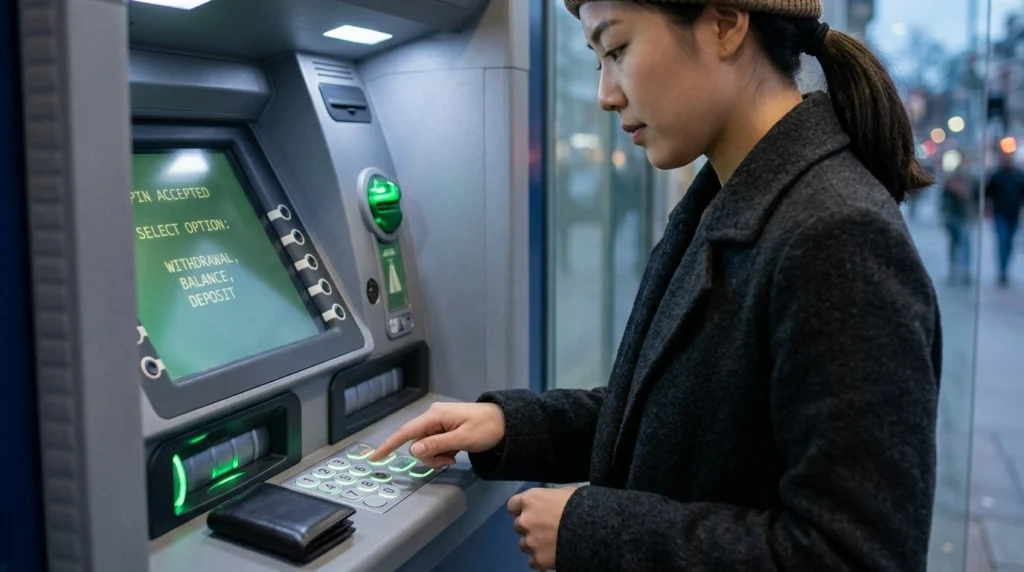
Go to any supported ATM. Emirates NBD, Emirates Islamic, Mashreq Bank, FAB, and UAE Switch ATMs all work with the Lulu salary card.
Step 1: Insert your card
Step 2: Enter your 4-digit PIN
Step 3: Select “Balance Inquiry” from the menu
Step 4: Your balance shows on screen and some machines print a receipt
ATMs outside of the partner network may charge a small fee. The screen will notify you before confirmation, so check before proceeding.
4. Lulu Exchange Website
Go to the official Lulu Exchange website, login with your account credentials, and head to the “My Account” section. Your current balance and recent transactions load right onto the dashboard. This works round the clock and is an excellent option if you prefer a laptop or desktop browser to the app.
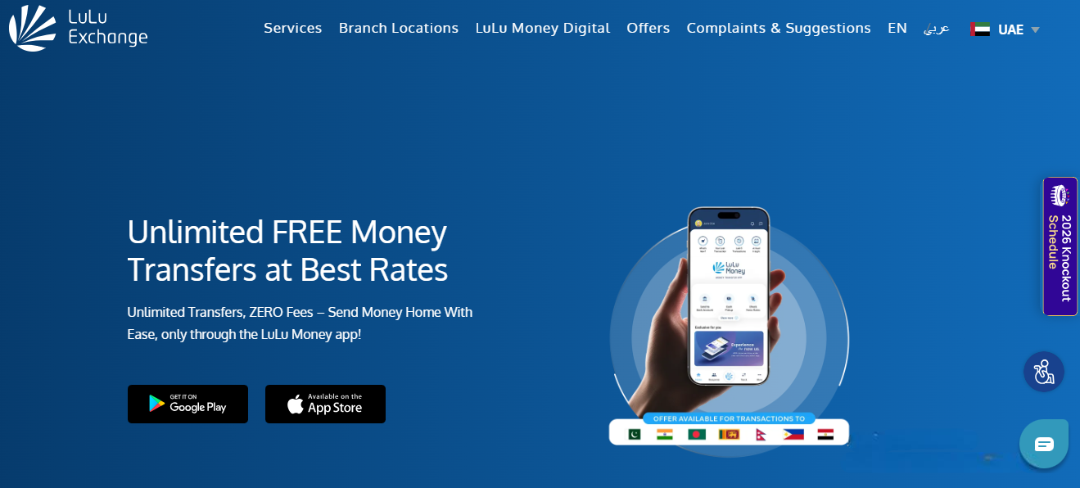
5. Branch Visit or Customer Care Call
If something is not right with your card or balance, visiting a branch is the most direct solution. Take your Lulu card and Emirates ID to the nearest Lulu Exchange branch, usually found inside a Lulu Hypermarket.

You can also call 600 52 2204 during business hours. A support agent will verify your identity and help with balance details, card issues, or salary disputes. For non-urgent matters, email customercare@ae.luluexchange.com. In case you need other exchange services, Al Ansari Exchange branches are located across the UAE.
Quick Comparison: All Methods Side by Side
| Method | Available | Internet | Best For |
| Lulu Money App | 24/7 | Yes | Smartphone users |
| SMS to 51199 | 24/7 | No | Basic phone users |
| ATM | All hours | No | Cash and balance check |
| Website | 24/7 | Yes | Browser users |
| Branch Visit | Business hours | No | Card issues, disputes |
| Customer Care Call | Business hours | No | Salary problems, escalations |
How to Check Lulu Gift Card Balance?
When you check the balance on your Lulu Gift Card before visiting the grocery store, you’ll be able to manage your exact shopping budget.
- You can verify your remaining store credit instantly through the official digital hypermarket website.
- Shoppers who prefer physical assistance can request manual verification directly at the billing counter.
Checking Your Retail Gift Card Balance Online
The absolute quickest way to verify your shopping funds requires visiting the official Lulu Hypermarket site directly. You must navigate to the dedicated gift cards section and clearly enter your unique 16-digit card number along with the secret PIN located on the back. The digital system will instantly display your available AED balance and expiry date so you can plan your grocery shopping perfectly.
Verifying Your Remaining Funds at the Store Counter
Individuals who typically avoid digital platforms can easily check their remaining credit during their physical shopping trip. You simply need to hand your plastic card directly to the billing cashier who will scan the unique barcode immediately. The helpful staff member will then print a quick physical receipt showing your exact available funds before you complete your final purchase.
Common Problems and How to Fix Them
| Problem | Fix |
| App not opening | Update or reinstall the Lulu Money App |
| Balance not showing after salary date | Wait a few hours — salary posts on the same working day |
| Wrong card number error online | Re-enter the full 16-digit number without spaces |
| ATM rejecting your card | Try a partner ATM or go directly to a branch |
| Card blocked or expired | Visit Lulu Exchange branch with your Emirates ID |
| SMS reply not received | Your registered mobile number may need updating at the branch |
If your phone number linked to the card has changed, you will need to update it at the branch. It is also a good idea to check if your mobile number on your Emirates ID needs updating at the same time.
Keep Your Lulu Card Secure
A few simple habits that protect your card and your money:
- Never share your PIN or OTP with anyone, even if they claim to be from Lulu Exchange.
- Only check your balance through the official Lulu Money App or website.
- Avoid third-party sites that ask for your full card details
- Turn on SMS alerts so every transaction hits your phone instantly
- If your card is lost or stolen, call 600 52 2204 immediately to block it
When checking your balance on public Wi-Fi, using a reliable VPN in UAE adds an extra layer of protection to your account.
Final Thoughts
Whether you go with the Lulu Money App for real-time updates, SMS for a quick check without data, or an ATM when you need cash too, all five methods will work well. The key is to know which one fits your situation.
Make it a habit to check a day or two after your expected salary date. That way you can catch any delays early and have time to follow up before the end of the month.
This same proactive habit works perfectly for your other daily payment cards as well. Applying it to your routine FAB balance check and your weekly Nol card balance check ensures completely smooth everyday transactions.
FAQs
How do I check my Lulu salary card balance in UAE?
The quickest way is through the Lulu Money App. You can also send ‘BAL’ and your card number to ‘51199’, use a supported ATM, login to the Lulu Exchange website, or visit a branch.
What is the SMS number for Lulu balance check?
Send ‘BAL’ followed by your card number to ‘51199’. It works 24/7 within the UAE and replies instantly.
Is checking Lulu balance free?
Yes. The app, website, and SMS method are all free. Some ATMs outside the partner network may charge a small fee, which the machine will tell you about before you confirm.
Can I check my Lulu balance from outside the UAE?
Yes, both through the Lulu Money App and the website, as long as you have internet access. SMS and ATM only work within the UAE.
Which ATMs work with the Lulu salary card?
Emirates NBD, Emirates Islamic Bank, Mashreq Bank, FAB, and UAE Switch ATMs all support the Lulu salary card.
What if my salary has not been credited on time?
Wait a few hours past the expected time as processing can take until the end of a business day. If it still has not arrived, call 600 52 2204 or visit a branch. The team can check the WPS payroll record and escalate the issue to your employer or MoHRE if needed. Workers also have rights under UAE labour law if salary delays become a pattern.

Haris Khan is the lead content expert at TheEmiratesGuides.com, where he oversees the documentation of UAE visa processes, employment opportunities, and government services. With a commitment to factual integrity and real-time updates, he provides the technical expertise necessary to guide readers through the complexities of life and work in the UAE.