
Keeping your mobile connection active in the UAE is absolutely necessary for your daily communication and banking needs. We will explain exactly How to Update Du & Etisalat for Emirates ID online and offline so you can avoid sudden service disconnections on your primary network. Whether you use the Du network or prefer to complete the mandatory registration without a smart digital identity account we have covered all the entirely free methods. Following these step-by-step digital options will help you renew your official telecommunication profile securely from the comfort of your home.
Complete Emirates ID Updation Methods for Etisalat
Advertisements
The primary telecommunication provider offers multiple digital platforms to submit your renewed federal identity documents smoothly. You can easily choose between smart applications, web portals, and physical smart machines to keep your cellular line fully active.
Through the Official Mobile App
The fastest way to renew your digital profile is by directly syncing your federal credentials through the official smartphone application.
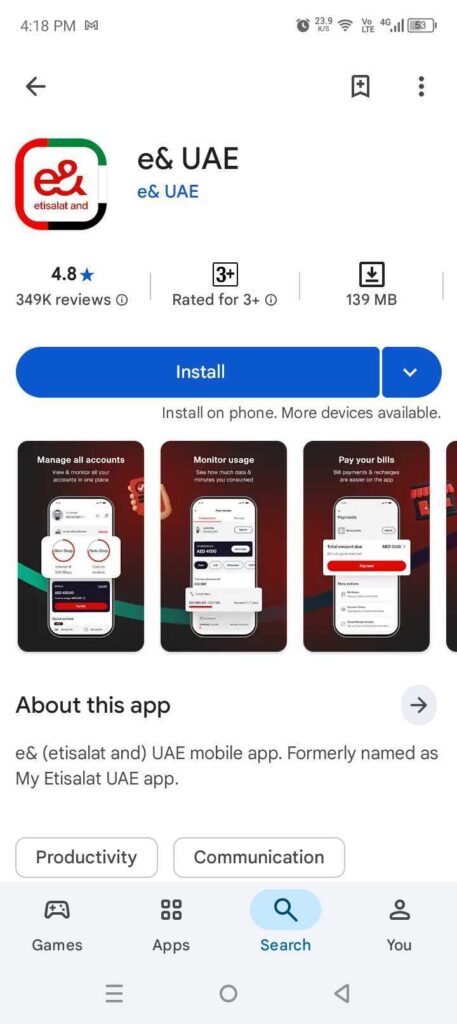
Step 1: Install the official My Etisalat application on your smartphone.
Step 2: Sign in securely using your personal UAE Pass
Step 3: Tap on the active ‘Update Now’ alert on the main screen.
Step 4: Select your specific cellular number from the profile list.
Step 5: Authorize the secure document sharing request when prompted.
Step 6: Verify your profile details and press the ‘Submit’
Step 7: Agree to the standard terms and conditions page.
Step 8: Check your inbox for an official tracking ID via text.
Step 9: Wait a few hours for the final success notification
Using the Free Etisalat Web Portal Without UAE Pass
You can safely upload your new physical card pictures directly to the main website if you prefer manual registration.
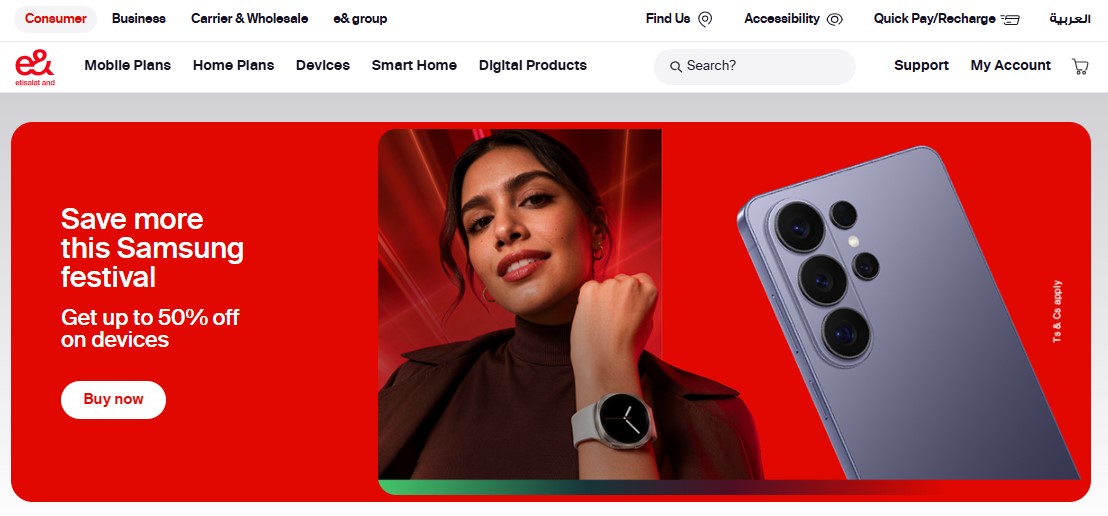
Step 1: Visit the official Etisalat website using any secure internet browser.
Step 2: Access the dedicated ‘Quick Update’ page from the main menu.
Step 3: Enter your active mobile number in the provided digital field.
Step 4: Wait to receive a secure OTP directly on your registered smartphone.
Step 5: Type in the exact verification code to successfully authenticate your session.
Step 6: Upload a clear picture showing the front side of your physical card.
Step 7: Attach a scanned image displaying the back side of your document.
Step 8: Manually enter your completely new expiration date
Step 9: Click on the final ‘Submit’ button to securely send your updated file.
Scanning Documents at Etisalat Self Service Kiosks
Using physical smart machines scattered across the country provides an instant verification solution if online methods fail.
- Locate an official smart machine at any major shopping mall or retail branch near your residential area.
- Insert your physical plastic identity card directly into the designated machine reader slot.
- Follow the simple instructions displayed on the digital screen to confirm your personal account details.
- Collect your original document back safely once the screen shows a successful verification message.
Emirates ID Updation Methods for Du Network
The second major telecom network provides equally efficient online systems to ensure your mobile line remains active. You can completely avoid service interruptions by securely choosing between the smart application, the official website, or physical retail stores.
Using the Official Smart App
The native mobile application offers direct connection to the federal system for instant profile renewal.
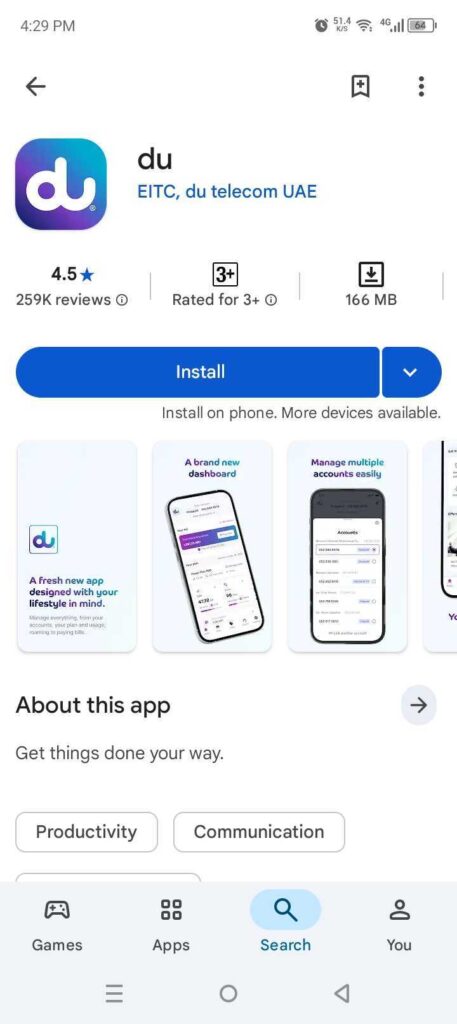
Step 1: Open the official Du Smart application on your mobile device.
Step 2: Go to the center tab located at the bottom of the screen.
Step 3: Select the specific ‘ID Renewal’ option from the menu.
Step 4: Click to securely log in using your UAE Pass credentials.
Step 5: Confirm the login request inside the federal application.
Step 6: Select the specific mobile numbers you need to update.
Step 7: Approve the document sharing request to complete the process.
Step 8: You can check your line status online in the same way you can check your Du number details.
Through the Du Web Portal
Subscribers can navigate to the dedicated registration web link to upload their identity documents manually without logging in.
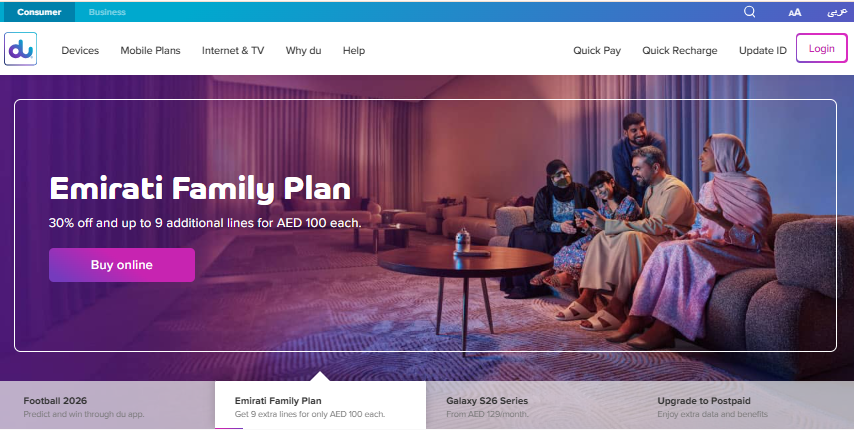
Step 1: Open your internet browser and navigate directly to the official Du website portal.
Step 2: Access the dedicated ‘Quick ID Renew’ section online.
Step 3: Upload a clear copy of your valid physical identity card.
Step 4: Submit the digital files to the technical team for review.
Step 5: Wait to receive the final success confirmation message on your registered number.
Verification Via Du Self Service Machines
Physical verification at a retail outlet remains a reliable backup option if you face unexpected errors on digital platforms.
- Visit any official Du store or authorized partner location.
- Bring your original valid physical identity document with you.
- Provide your physical card to the customer service representative or the kiosk.
- Complete your mandatory profile registration in a few short minutes.
Alternative Official Ways to Update Telecom Records
Subscribers can utilize secondary channels if the primary mobile applications or web portals experience unexpected technical downtime. Telecom providers offer automated backup systems and extensive retail networks to prevent sudden service interruptions.
Quick Update Using Official Secure SMS Links
Both major telecom operators routinely push out text alerts as your document expiration date approaches. You should monitor your incoming text inbox for an automated renewal notification containing a secure web link generated by your mobile network provider. Clicking this encrypted link takes you directly to a lightweight verification portal where you can take photos of your identity card without entering any login details or downloading any smartphone applications.
Visiting Customer Care Outlets for Final Biometrics
Walk into any authorized network branch or physical experience center if your digital submission keeps getting rejected by the automated portals. You must present your original valid identity document directly to a customer care representative, who will check the internal database for system blocks or mismatched names. The retail staff will physically scan your biometrics right at the service desk to instantly override any persistent application errors and completely restore your phone services.
Resolving Common Telecom Verification Errors
Understanding why the automated system rejects your submission will help you fix processing delays immediately.
The most frequent causes for digital rejection include blurry document images, outdated visa data, or names that do not exactly match your system profile. Make sure that none of your registered SIM cards are conflicting with each other by checking your active line status. Additionally, you should confirm your latest renewal is fully processed by checking the status of your Emirates ID before attempting another online upload.
Conclusion
Keeping your mobile registration updated is a quick and completely free process that protects your personal connectivity across the UAE. Whether you choose the official mobile applications or manual web portals, updating your profile ensures your telecom services remain active without any sudden interruptions. Remember to track your application status online or visit a self service kiosk if you face any technical errors to keep your data perfectly synchronized with federal records.

Haris Khan is the lead content expert at TheEmiratesGuides.com, where he oversees the documentation of UAE visa processes, employment opportunities, and government services. With a commitment to factual integrity and real-time updates, he provides the technical expertise necessary to guide readers through the complexities of life and work in the UAE.