
Whether you just applied for a new national identity card, submitted a renewal, or are waiting for a replacement, one question is always on your mind: where is my card right now? Performing a quick Emirates ID Status Check takes exactly 1 minute, is completely free, and remains available 24 hours a day through official ICP channels. There is absolutely no need to call anyone or visit a physical office.
Your Emirates ID connects everything in the UAE. Banking, healthcare, government services, tenancy contracts, telecom registration, and airport e-gates all depend on a valid, active card. Knowing where your application stands helps you catch delays early and avoid the AED 20-per-day fine that starts after the 30-day grace period on an expired card.
Advertisements
This guide covers every official method to check your status including by passport number, what every status message means, real 2026 timelines, common errors and fixes, and how to check your Emirates ID validity.
Before You Check: Which Number Do You Need?
The most common mistake is entering the wrong reference number and getting a “Record Not Found” error. Here are the rules:
| Your Situation | What to Enter |
| New Emirates ID (first time) | PRAN (Personal Reference Application Number) |
| Renewal of existing Emirates ID | Your 15-digit Emirates ID number |
| Replacement of lost or damaged card | Your 15-digit Emirates ID number |
| No PRAN and no Emirates ID number | Passport number plus date of birth |
Your PRAN is printed on the receipt from the typing centre when your application was submitted. It looks like 2026/XXXXXXX. If you applied online through the ICP portal, the PRAN appears on the confirmation page and is sent to your phone by SMS. If you have neither a PRAN nor an Emirates ID number, use the passport number method in the next section.
Method 1: Check Emirates ID Status on the ICP Website
This is the fastest and most used method. No login is required, no app download, and the results appear in under 60 seconds. It works for new applications, renewals, and replacements at any time of the day. Here are the steps to follow.
Step 01: Open your browser and go to icp.gov.ae/en/id-card-status/.
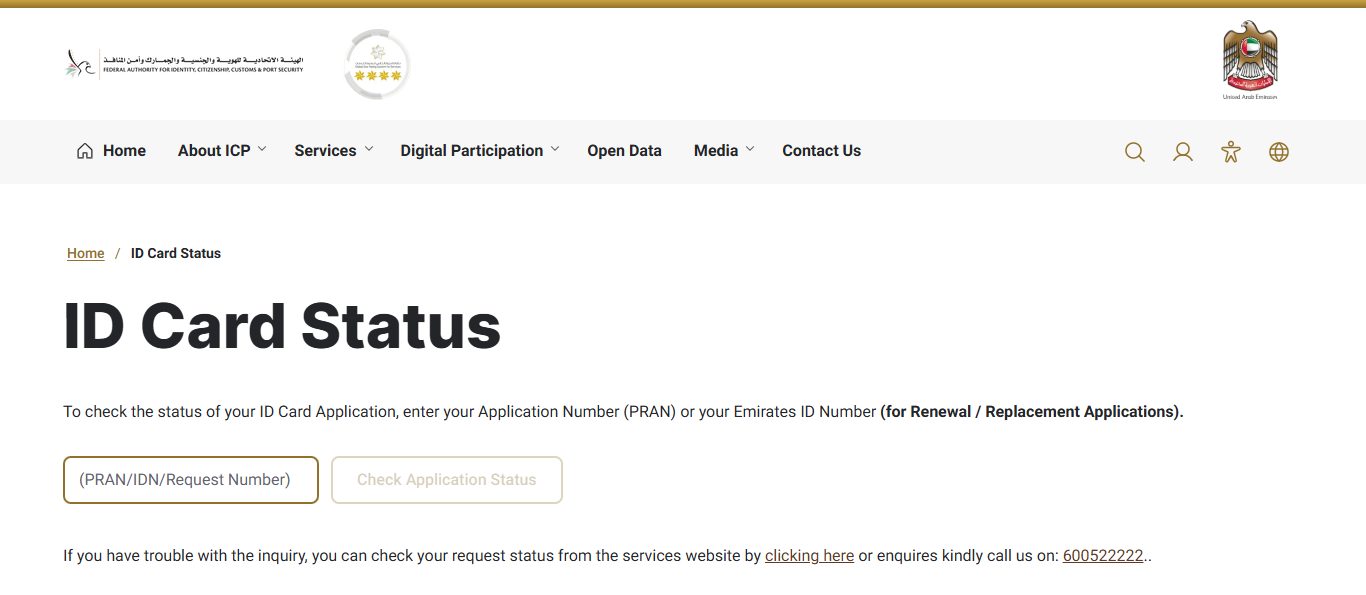
Step 02: There will be an input field for the Application Number (PRAN).
Step 03: Enter your PRAN if this is a new application, or your 15-digit Emirates ID number for renewal or replacement.
Step 04: Type the numbers carefully without spaces or hyphens.
Step 05: Click the ‘Check Application Status’ button.
Step 06: Your current status and the last updated date appear on the screen instantly.
Method 2: Check Emirates ID Status by Passport Number
This method is appropriate for first-time residents who do not have their ID number or lost their receipt. It uses the ICP File Validity tool which is separate from the direct card tracking page. Follow these steps:
Step 01: Go to smartservices.icp.gov.ae.
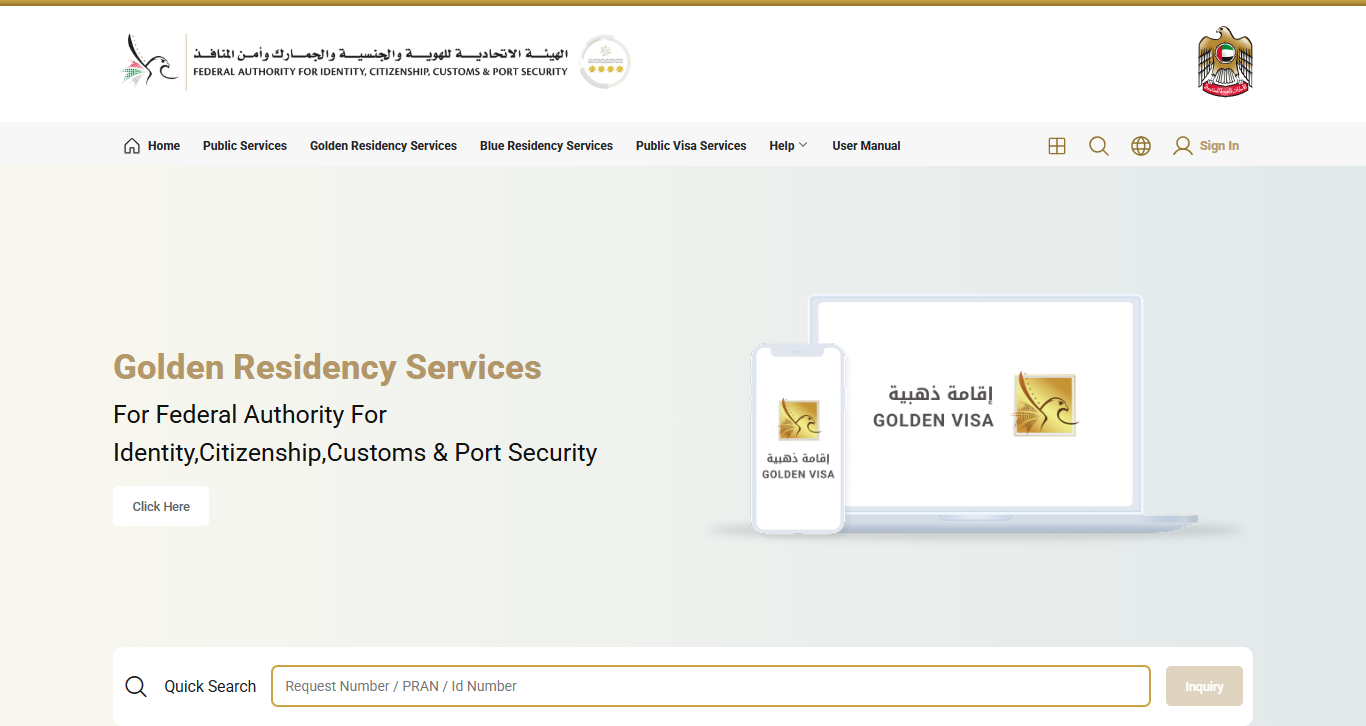
Step 02: In the ‘Quick Services’ section, select ‘File Validity’.
Step 03: Enter your passport number exactly as it appears on the document, your passport expiry date, and your nationality.
Step 04: Complete the Captcha verification and click ‘Search’.
Step 05: The system shows your Emirates ID application status and your linked UAE residence visa validity together on one screen.
Method 3: UAEICP Smart App
The UAEICP app is the most convenient option if you want automatic push notifications when your card moves to a new stage. You can proceed by following these steps.
- Download the UAEICP app from the App Store or Google Play.
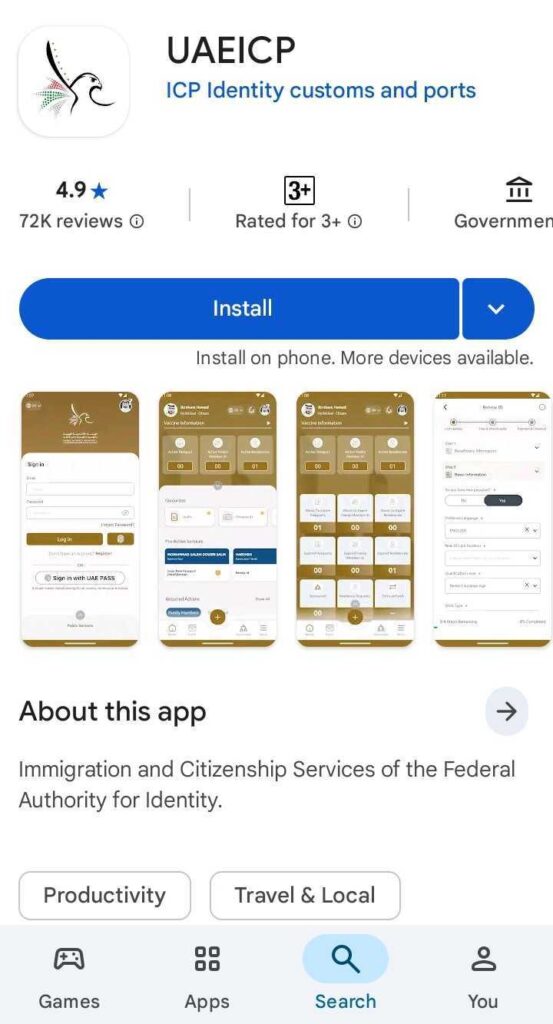
- Log in with UAE Pass or create an ICP account.
- Tap on ‘Inquiries’ then select Emirates ID Status.
- Enter your PRAN or Emirates ID number.
- Your current status appears on the dashboard.
Method 4: UAE Pass App
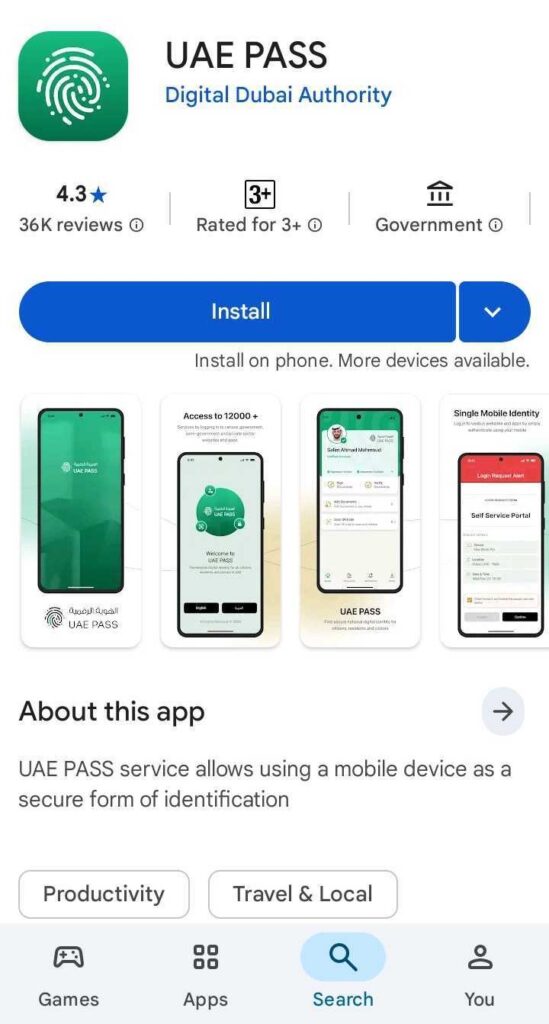
Open the UAE Pass app, complete face verification, and go to ‘My Documents’. Your Emirates ID appears there with its current validity status and expiry date. If the card is active and issued, the digital version is right there and legally valid for most services. All five methods pull from the same ICP database, so the information is always current.
Method 5: Call ICP or Visit in Person
Call ICP on 600 522222 in Arabic or English. Have your PRAN, Emirates ID number, or passport details ready. For delivery issues where the status shows Dispatched but nothing has arrived, contact Emirates Post directly on 600 599999 with your AWB tracking number.
For complex cases such as a returned application, a rejection, or a status that has not moved for more than 10 working days, visit any ICP Customer Happiness Centre with your original passport and receipt.
What Every Emirates ID Status Message Means
Here is every status you may see, what it means, and exactly what to do:
| Status | What It Means | What to Do |
| Under Process | ICP reviewing your application, documents, and biometrics | Wait. If unchanged after 10 working days, call 600 522222 |
| Approved | Application accepted; card entering printing stage | Wait. Card Printed follows within 24 to 48 hours |
| Card Printed | Physical card produced with your details and chip data | Wait. Dispatched follows within 1 to 2 working days |
| Dispatched | Card handed to Emirates Post; AWB tracking SMS sent to your phone | Track via emiratespost.ae using your AWB number |
| Ready for Collection | Card at your designated Emirates Post branch or typing centre | Visit with your original passport within the collection deadline |
| Delivered | Card physically delivered | If not received, check with reception or call Emirates Post on 600 599999 |
| Expired | Emirates ID has passed its expiry date | Renew immediately. AED 20 per day fine after 30-day grace, up to AED 1,000 |
| Application Returned | Document issue or data mismatch. Not a final rejection | Log into ICP account, check the specific reason, correct and resubmit |
| Rejected | Application denied for a specific reason | Call 600 522222 for the reason code. Most cases are fixable and you can re-apply within 30 days |
| Biometrics Required | Fingerprints not yet captured | Visit an ICP centre immediately. Application will not move until done |
| Pending Documents | ICP needs a specific document | Upload via your ICP account within 7 days or the application closes automatically |
How Long Does Emirates ID Processing Take in 2026?
Renewals: 3 to 5 working days from biometrics to Card Printed. Total end-to-end delivery is typically 5 to 7 working days.
New first-time applications: up to 10 working days from biometrics to Card Printed. Total end-to-end is 11 to 14 working days.
Card Printed to Dispatched: 1 to 2 working days.
Dispatched to Delivered: 1 to 3 working days via Emirates Post depending on location.
Poor fingerprint quality at the typing centre can restart the timeline, adding 3 to 5 more days. The Fawri Express service reduces processing by around 48 hours for an extra AED 150. There is, however, no renewal or new application service for expats who’ve lost or damaged their cards.
Once your card is printed you can easily collect it from your selected location and complete the final physical verification steps.
Common Errors and How to Fix Them
Understanding the issues that can delay your registration will make the process easier. Here are the most common system errors you might face and how to resolve them quickly.
“Record Not Found”
You entered the wrong number type. New applications need the PRAN. Renewals and replacements need the 15-digit Emirates ID number. Also try typing the number manually instead of copy-pasting, as invisible character errors can cause this. Applications submitted in the last 24 to 48 hours may not appear yet.
Status Stuck on “Under Process” for More Than 10 Working Days
Check whether biometrics have been completed. If fingerprints were not captured, the application will not move regardless of how long you wait. If biometrics are done, call ICP on 600 522222. Most delays at this stage come from a biometric mismatch or pending medical clearance, both resolved within 48 hours of contacting ICP.
“Application Returned” Status
Log into your ICP account, go to My Applications, and click View Rejection Reason. The five most common causes are blurry document scans, name mismatches between passport and visa, passport validity under 6 months, outstanding Emirates ID fines in your name, and biometric capture failure. Correct the issue and resubmit.
“Dispatched” But No SMS or Card Received
Your registered mobile number with ICP may be wrong. Contact Emirates Post on 600 599999 with your PRAN or Emirates ID number to confirm which branch holds your card. If the number needs updating, call ICP on 600 522222.
How to Check Your Emirates ID Validity?
Checking your status and checking your validity are two different things. Status shows where your current application is. Validity tells you whether your existing card is still active and when it expires.
The expiry date is printed on the front of your physical card. You can also check it through the File Validity tool at the ICP Smart Services portal using your Emirates ID number, passport number, or UID. The UAEICP and UAE Pass app both display the expiry date on the card image in the documents section.
Your Emirates ID expires on the same date as your UAE residence visa. Renewal can begin up to 6 months before expiry. After expiry, a 30-day grace period applies before the AED 20 per day fine starts, capped at AED 1,000. Read the full Emirates ID renewal steps and 2026 fees before you start.
Final Thoughts
Checking your Emirates ID status takes less than a minute and costs nothing. Use the ICP portal for a quick check from any browser. You can also use the UAEICP app for automatic notifications, and the passport number method if you do not have your PRAN or ID number.
Act early and fast. A status stuck on Under Process, an Application Returned that you did not notice, or an expiry date that slipped by can all cause real disruption to your daily life. Once your Emirates ID is confirmed valid, also check your UAE visa status to make sure both documents are aligned.
Frequently Asked Questions
How do I check my Emirates ID status online?
Go to the official ICP portal enter your PRAN or 15-digit Emirates ID number, and click Search. No login is needed. Results appear in under 60 seconds.
Can I check by passport number?
Yes. Go to the ICP Smart Services portal select File Validity, and enter your passport number, expiry date, and nationality. It also shows your linked UAE residence visa status on the same page.
What does “Application Returned” mean?
It is not a final rejection. ICP found a document issue and sent it back for correction. Log into your ICP account, check the specific reason, fix it, and resubmit.
What happens if my Emirates ID expires?
You have a 30-day grace period to renew without penalties. After that, a fine of AED 20 per day applies up to a maximum of AED 1,000. An expired Emirates ID blocks access to banking, healthcare, and government services.
Is the status check free?
Yes. All official channels including the ICP website, UAEICP app, UAE Pass, and the helpline on 600 522222 are completely free of charge.
My status shows “Dispatched” but no card has arrived. What do I do?
Contact Emirates Post on 600 599999 with your PRAN or Emirates ID number to find which branch holds your card. If your registered mobile number is wrong, call ICP on 600 522222 to update it.

Haris Khan is the lead content expert at TheEmiratesGuides.com, where he oversees the documentation of UAE visa processes, employment opportunities, and government services. With a commitment to factual integrity and real-time updates, he provides the technical expertise necessary to guide readers through the complexities of life and work in the UAE.